
Online shoppers
Try before you buy, and return less.
Virtual try-on · AI fitting room
Found something in a shop? Save the product photo, upload it with a photo of yourself, and see it on you before you buy. Works with tops, bottoms, dresses, jackets and full outfits.
01Your photo
02Clothing to try on
03Instructions552/1500
04Shape & model
No account required
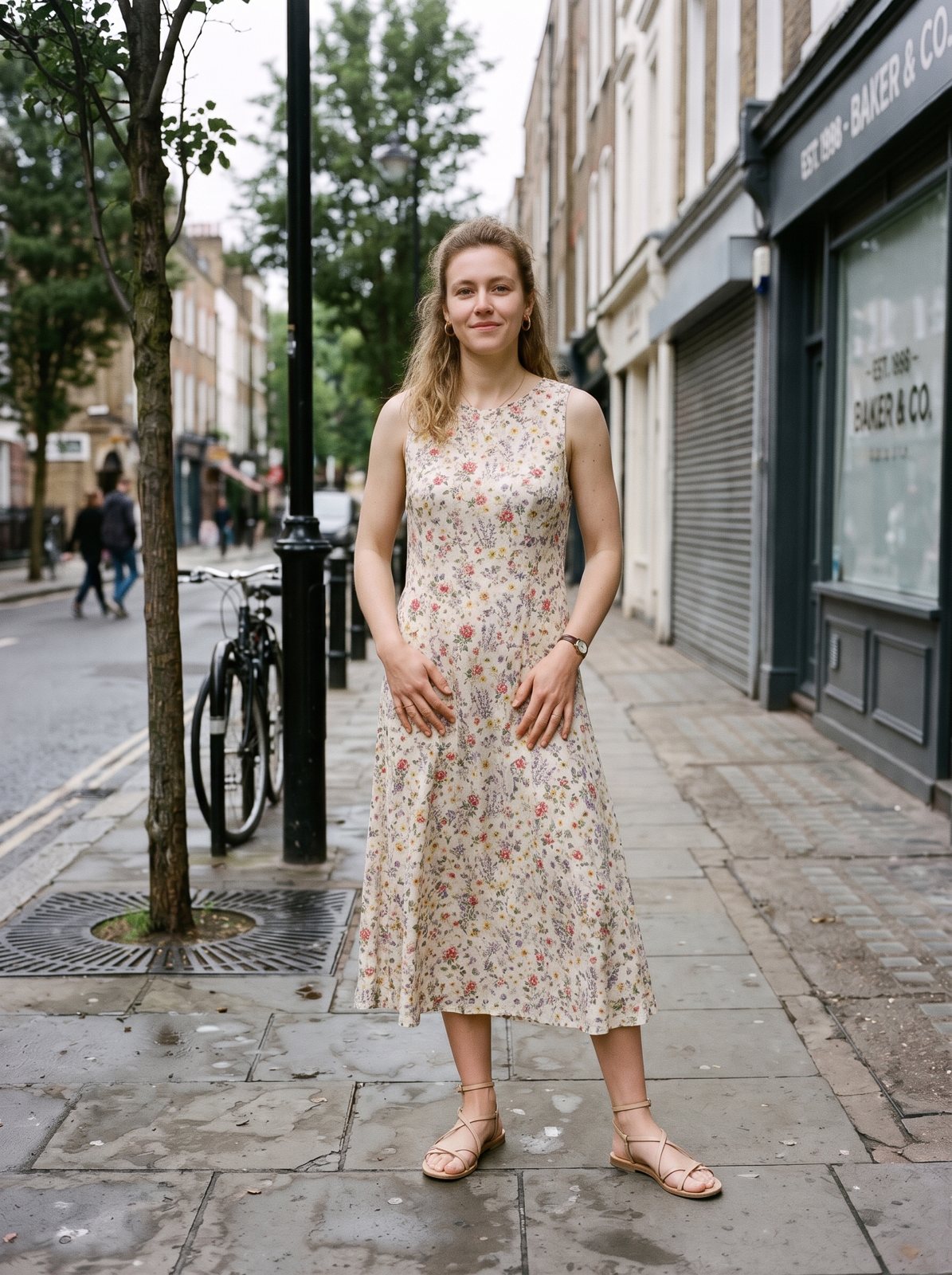
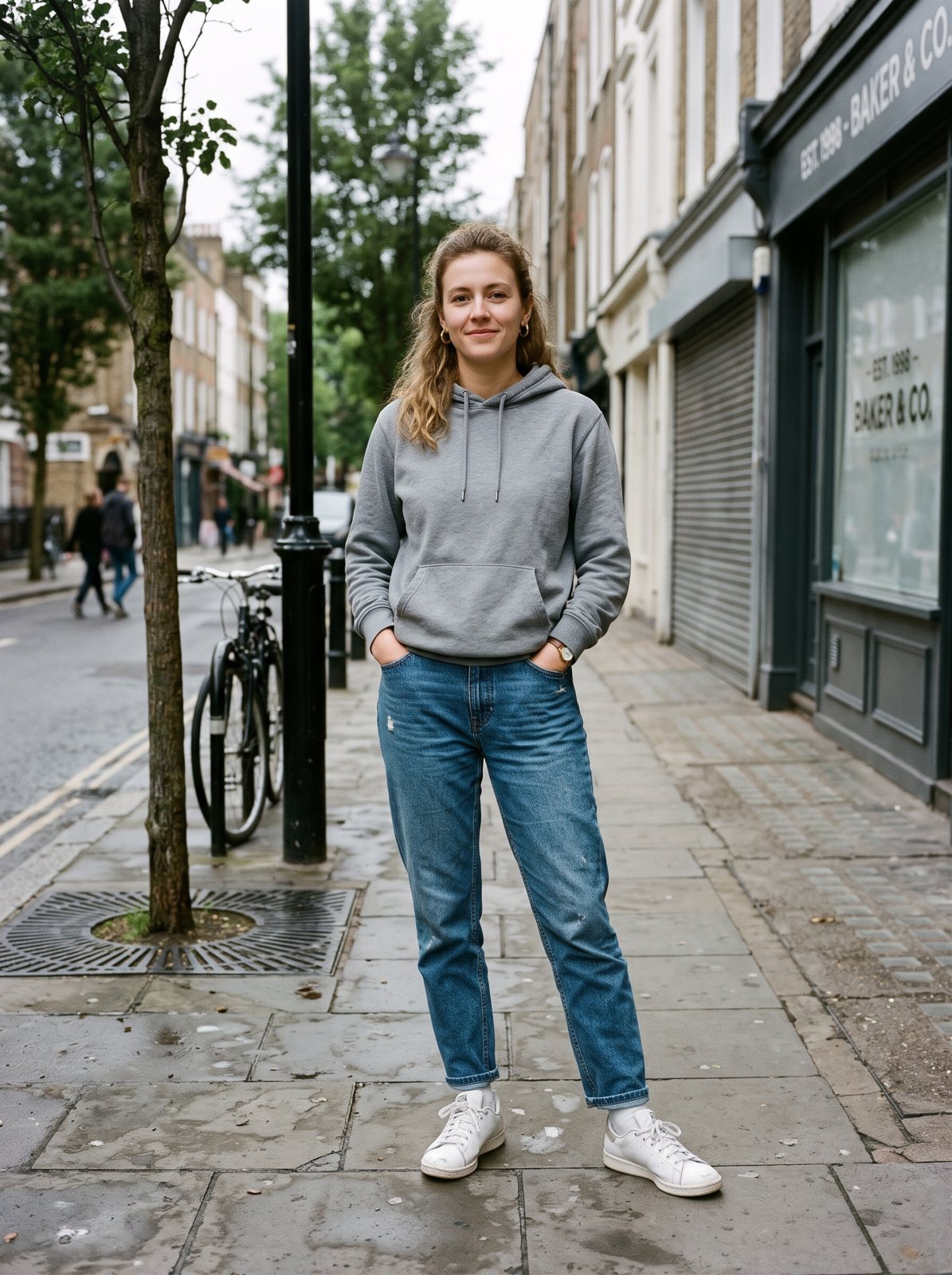
PromptChange only this person's clothes to a flowy midi summer dress with a small floral print and strappy sandals. Keep the exact same face, hair, skin tone, body shape, pose and hands. Keep the same background, lighting and camera angle. The new clothes must fit the body naturally with realistic fabric, folds and shadows. Photorealistic photo.
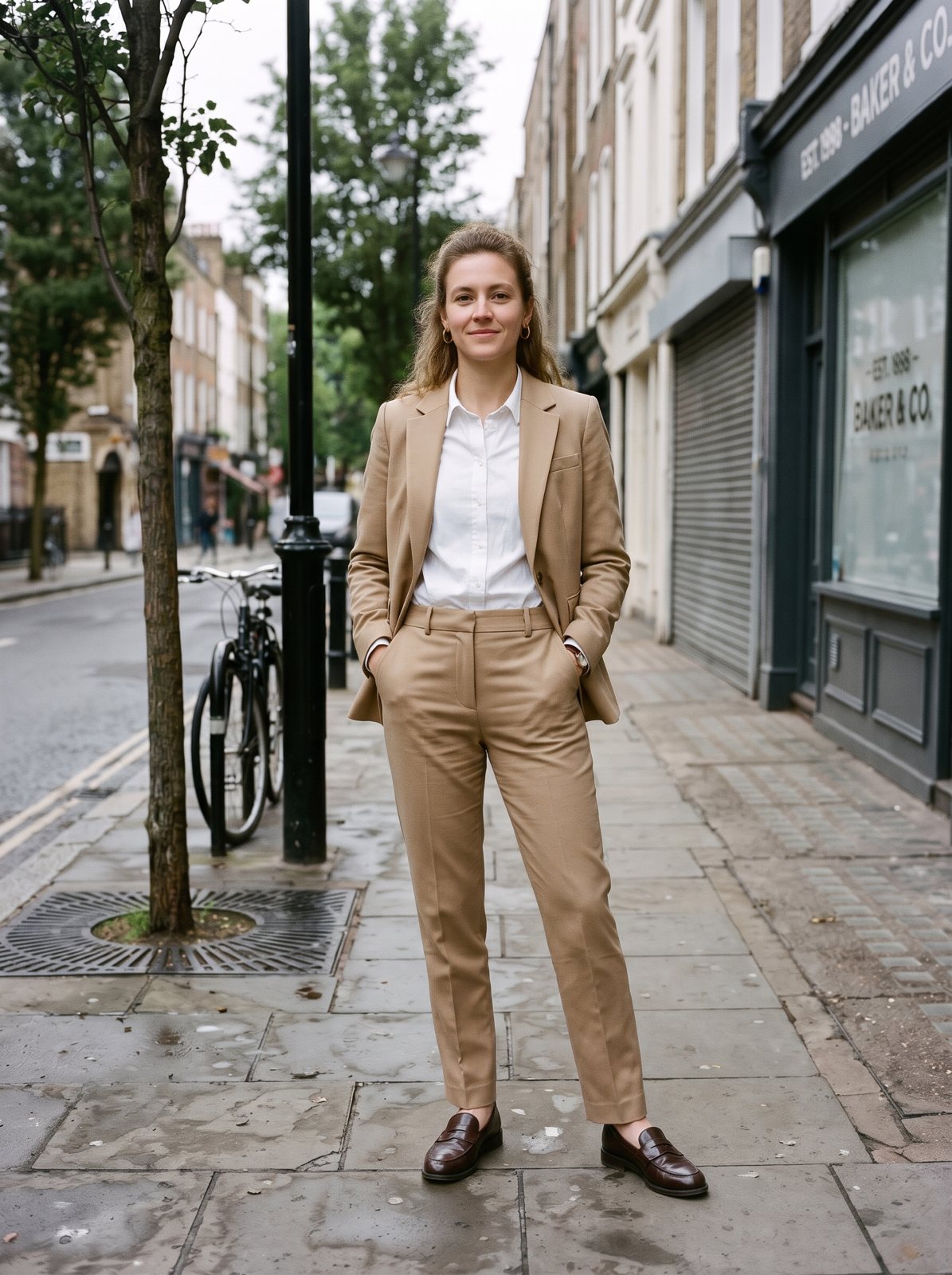
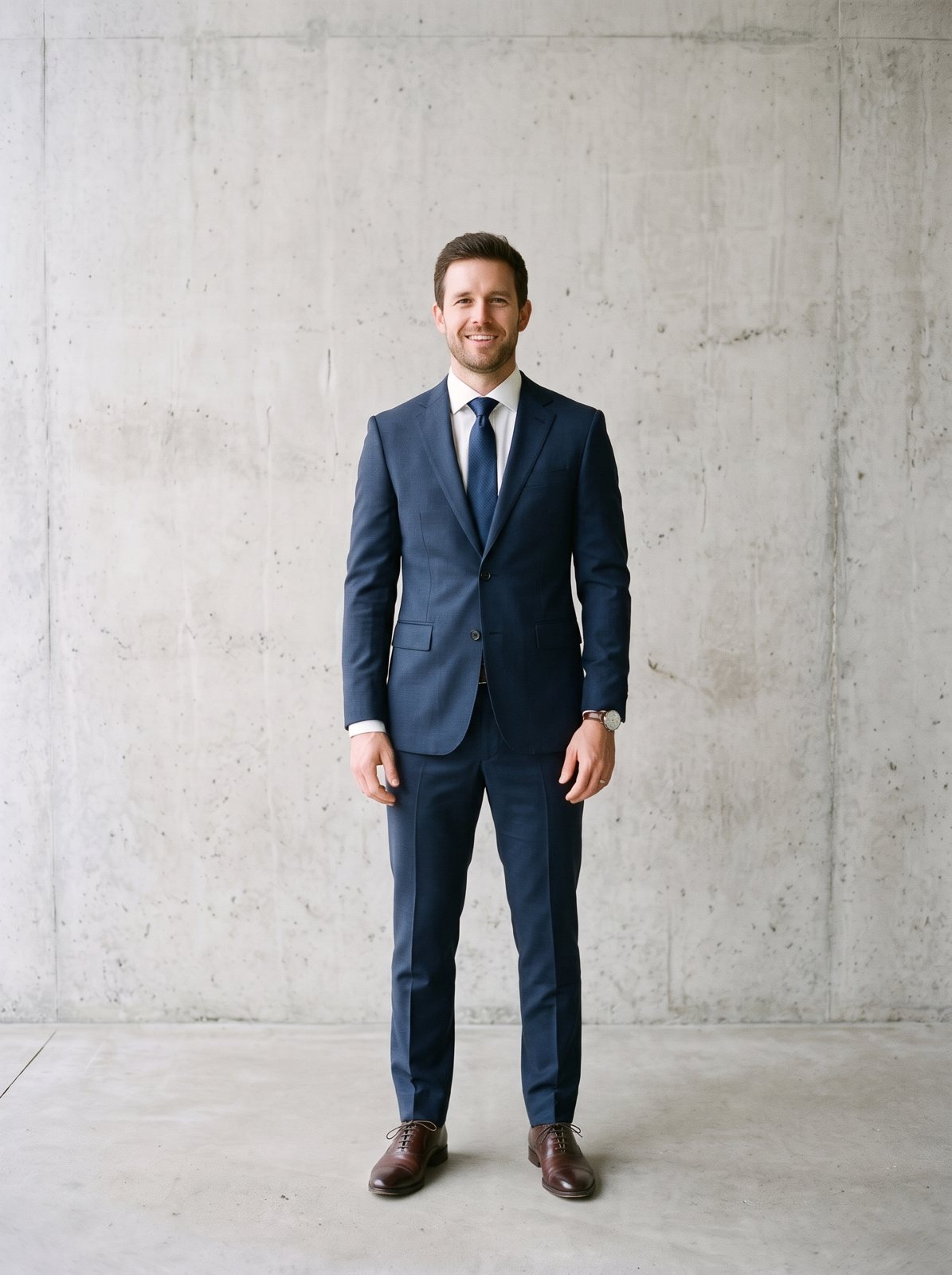
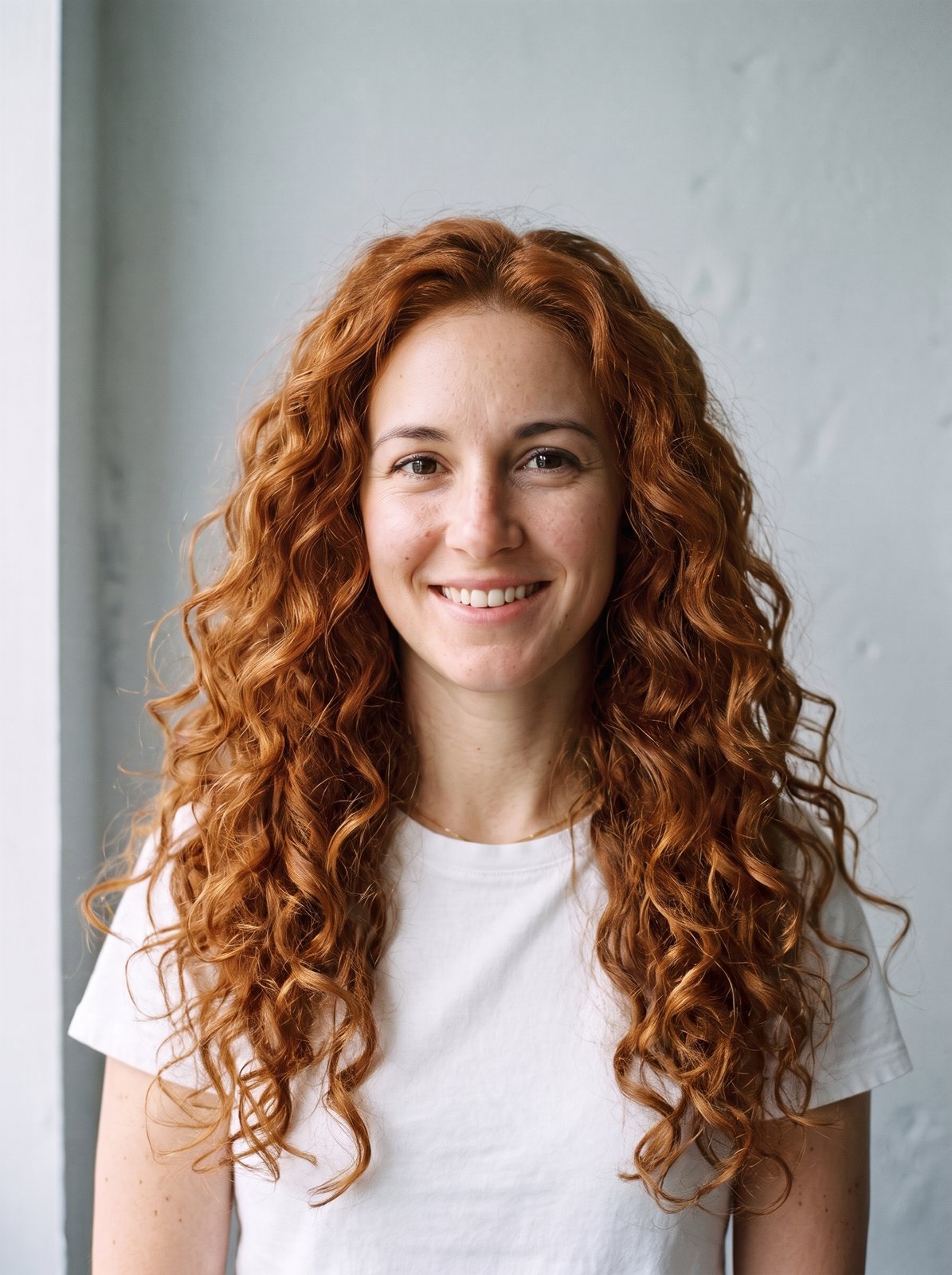
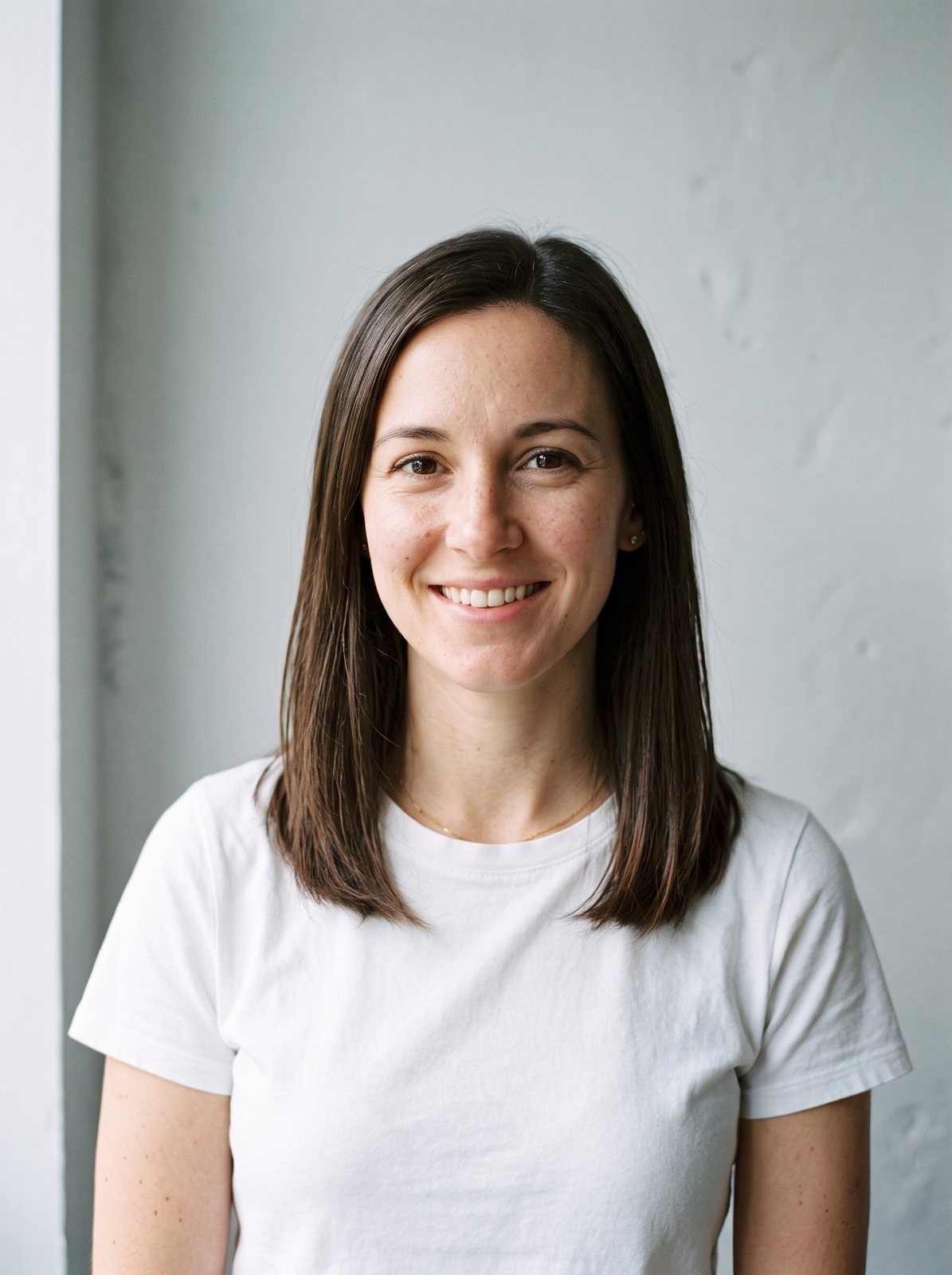
Real runs of the Standard model on the two sample photos, made with the presets listed under each one. Hover or drag to compare.
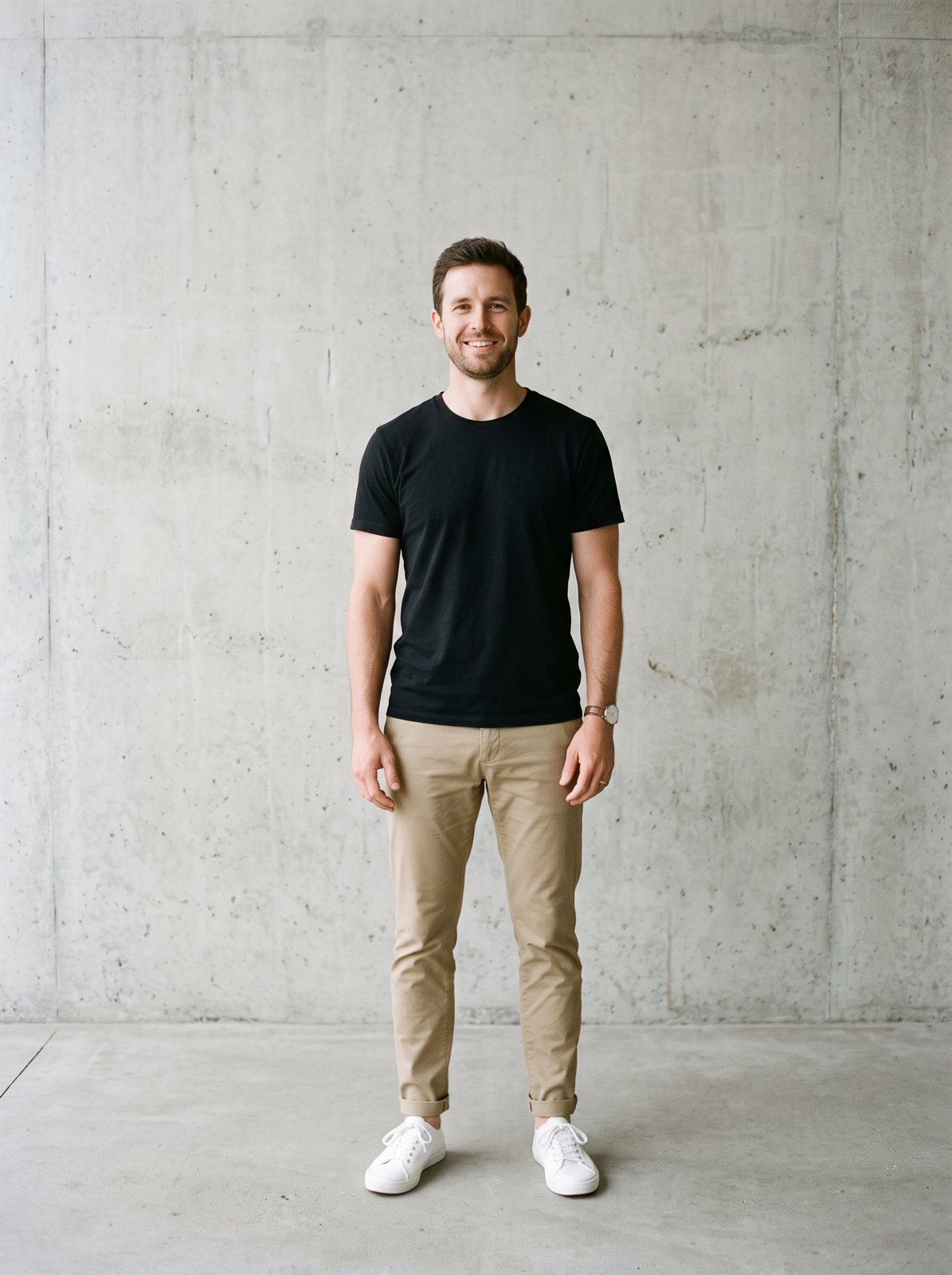
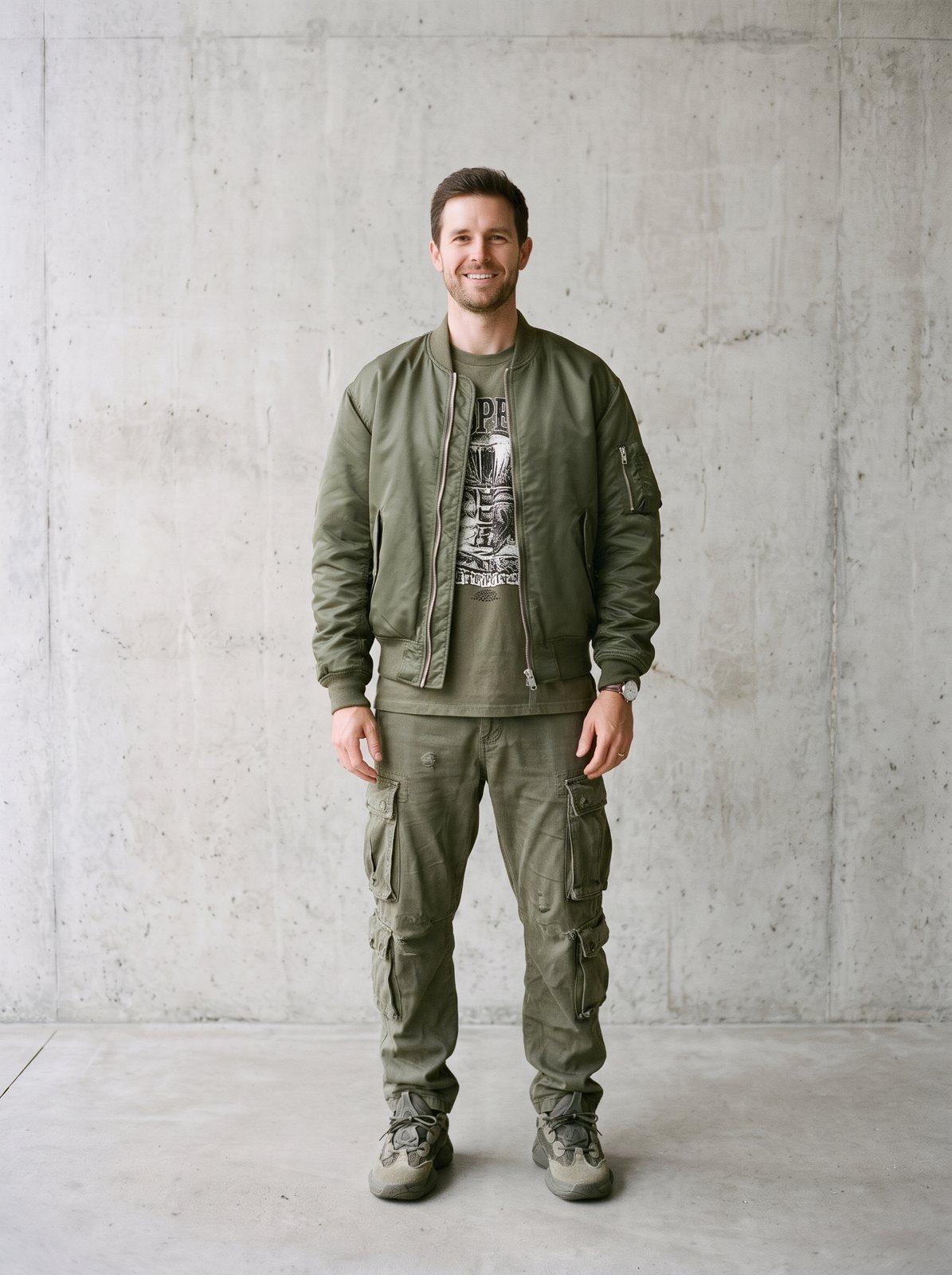
Step 1
A sharp full-body or waist-up photo facing the camera. JPG, PNG or WebP up to 15 MB. No photo handy? Use a sample.
Step 2
Upload a photo of the item (a shop photo, a flat lay or someone wearing it) and tag it as a top, bottom, dress, jacket or full outfit. Or switch to Pick a style and choose one of 14 outfits.
Step 3
In about 20 seconds you see yourself in the new clothes. Drag the slider to compare, try another item, and download the result.
You give Outfia two images: you, and the garment. The model reads the garment's color, print, logo, fabric and cut, and draws it on your body in your pose, replacing only the part of your outfit you tagged. Your face, hair, body and background stay as they are.
It works with product photos on a model, flat lays, ghost-mannequin shots and photos of a friend wearing the item. The cleaner the garment photo, the closer the copy.
One item, fully visible and in focus, on a plain or white background. Crop out price tags, other products and text overlays.
Everything the big try-on apps do, in a browser tab.
01
Copy a real garment from a shop photo or flat lay onto your photo, with its color, print and logo.
02
14 outfit styles in 10 colors, from a business suit to streetwear, plus 6 backgrounds.
03
Face, hair, body shape, pose and background are locked. Only the clothes change.
04
Tag the item so only that part of the outfit changes and the rest stays as it is.
05
Free runs are 2048 px. HD renders 4K, and Pro uses a second model for tricky photos.
06
Your first run each day needs no account. Works on phone and desktop.
Try before you buy, and return less.
See a jacket on a photo of your partner (with their OK).
Put a flat-lay product on a model photo for listings and ads.
Show clients a piece on their own photo before a fitting.
If you're happy with the result, it's ready to save. If you also want to upscale, extend the edges, or refine other details, you can continue with:

06Pricing
One currency for everything: credits. Without an account you get one free Standard image a day; sign in for 10 free credits a day (two Standard images). Free results are JPGs up to 2048 px with a small watermark. Credit runs export at full size with no watermark. Packs never expire, and Pro adds 400 credits every month.
No subscription: buy a credit pack and each run spends credits at the listed rate. Checkout creates your account from your payment email.
400 credits a month for every model and tool: Standard, Pro and HD 4K image to image, restyles, extend and erase. No watermark, full size.
Pro credits roll over up to 1,200 while your subscription is active. Credit packs never expire and stack with Pro. Cancel anytime. Unused Pro credits clear at the end of your paid period; purchased packs stay.